Kotlin Multiplatform · ActivityKit + Android 16 Live Updates
Halo
Start, update and end a live activity from commonMain. iOS shows it on the Lock Screen and in the Dynamic Island; Android shows it as a promoted Live Update with a ticking timer.
Halo gives you one typed API in commonMain to start, update and end a
system-surfaced status card. iOS renders it with ActivityKit on the Lock Screen and in the
Dynamic Island; Android renders it as an Android 16 Live Update (promoted ongoing notification
with progress and a chronometer), falling back to an ongoing notification on older versions.
val liveActivities = rememberLiveActivityManager()

when (val result = liveActivities.start(LiveActivityRequest(content))) {
    is LiveActivityResult.Success -> sessionId = result.value.id
    is LiveActivityResult.Failure -> show(result.error.code, result.error.message)
}
Screenshots
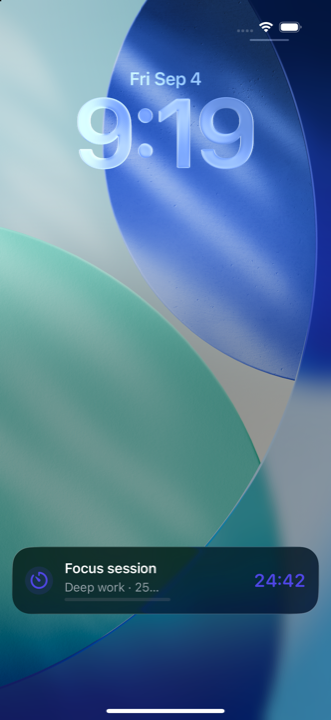
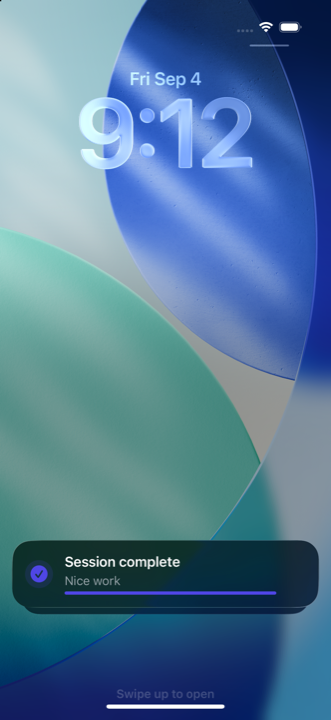
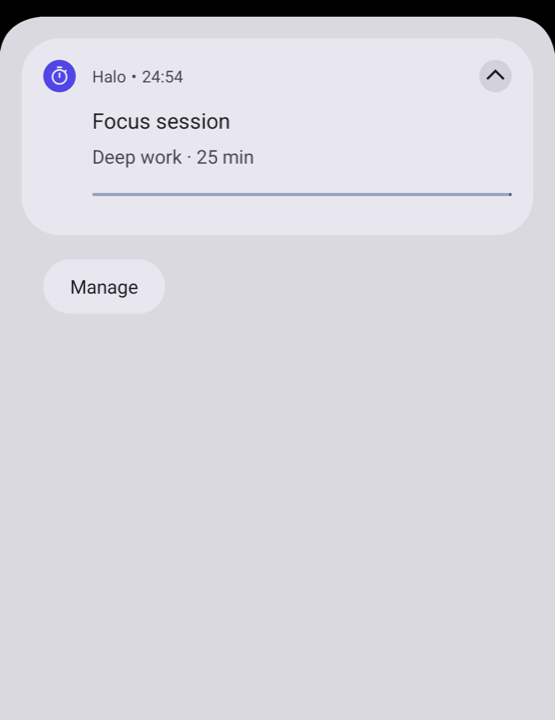
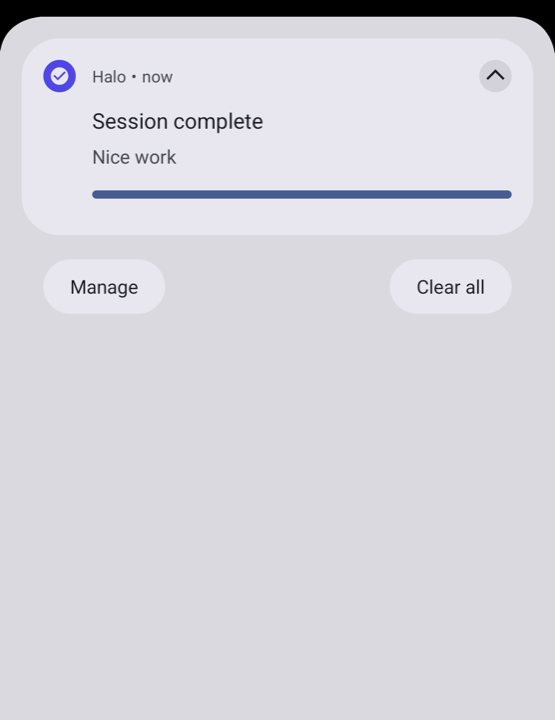
Same LiveActivityContent on both platforms: the default iOS widget on the Lock Screen, and
the Android 16 promoted notification with a natively ticking chronometer.
Why Halo
- Native surfaces, one call site. ActivityKit and Live Updates behind a single interface.
- The system ticks the clock.
LiveActivityTimeris rendered from absolute timestamps; you never send per-second updates. - Result-first, typed errors. Every call returns a
LiveActivityResultwith a stable code. - Survives process death. Running activities are restored, content included.
- Honest about limits. iOS’s eight-hour ceiling surfaces as
Expired; payloads over 3 KB are rejected before they reach the platform.