Kotlin Multiplatform · UIApplicationShortcutItem + ShortcutManagerCompat
quick-actions-kmp
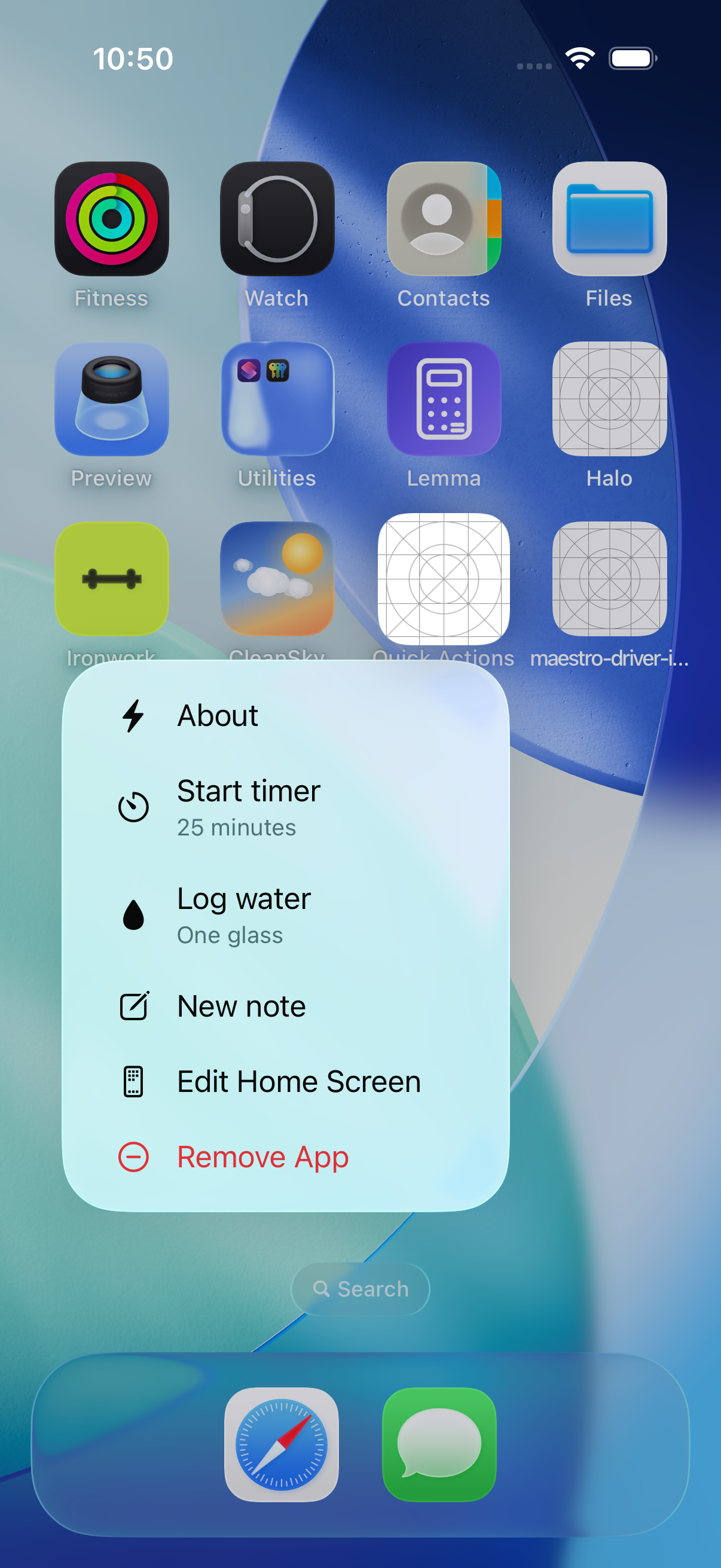
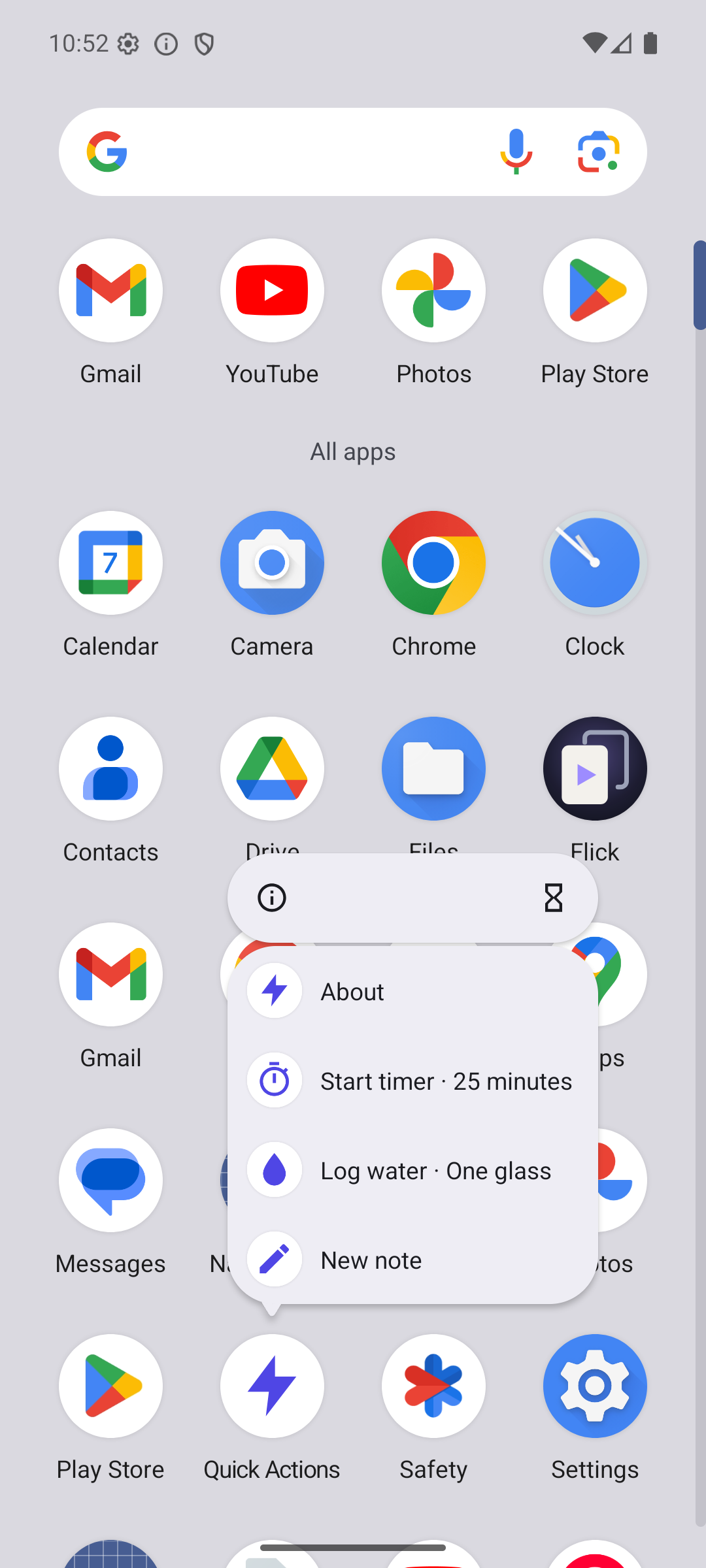
Publish the long-press icon menu and receive the tap from commonMain. iOS renders Home Screen quick actions; Android renders launcher shortcuts. The same action comes back on launch. One dependency, nothing to wire.
quick-actions-kmp gives you one typed API in commonMain to publish the menu that appears when the user
long-presses your app icon, and to receive the tap. iOS uses UIApplicationShortcutItem; Android uses
ShortcutManagerCompat dynamic shortcuts. The QuickAction you published comes back in the launch on
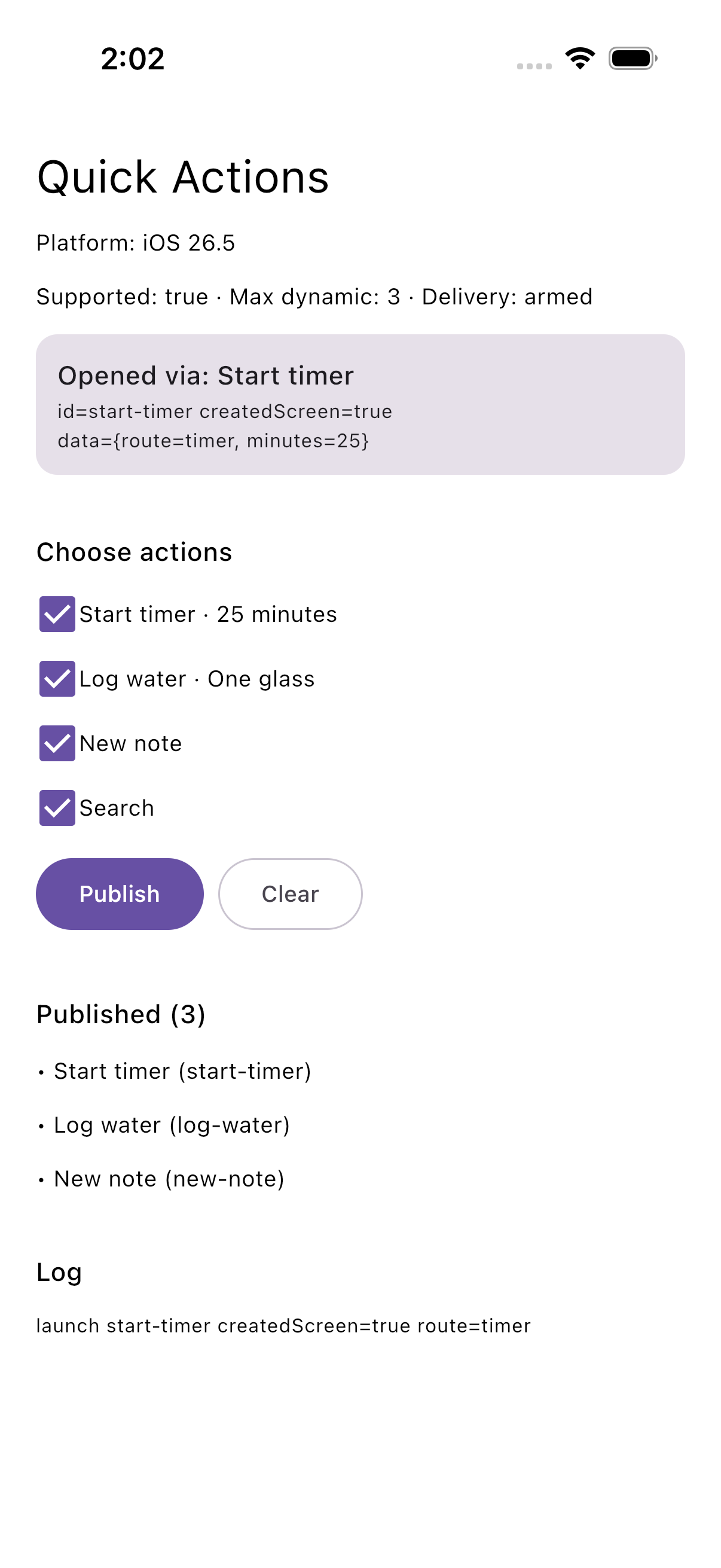
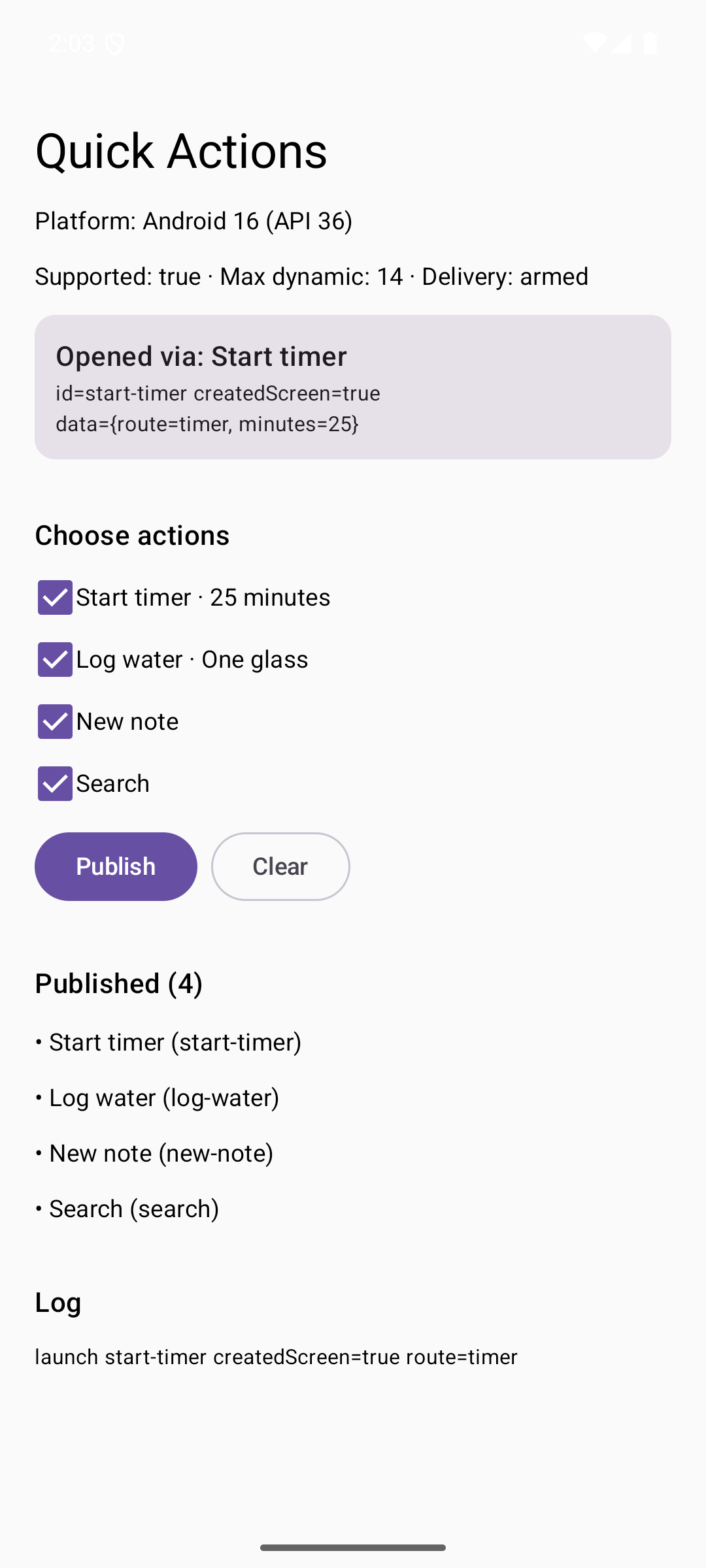
both platforms, whether the tap started the app or reached it running. Add the dependency and call it:
there is no Swift, no export and no manifest to touch.
val quickActions = rememberQuickActionsManager()

PublishQuickActions(listOf(QuickAction("start-timer", "Start timer", icon = "timer")), quickActions)

OnQuickActionLaunch(quickActions) { launch -> navigate(launch.action.id) }
Screenshots
Why quick-actions-kmp
- Nothing to wire. One dependency; iOS delivery hooks itself in, Android is wired by
rememberQuickActionsManager(). - Native surfaces, one call site. Quick actions and launcher shortcuts behind one interface.
- The launch round-trips. Each action travels inside the platform payload, so a tap decodes back to the
same
QuickAction, with itsdata, on both platforms. - Cold starts are not lost. A tap that starts the app is buffered until your collector runs.
- Lifecycle done right on Android. One dispatch per Activity lifetime, no re-dispatch after rotation, process restore or a relaunch from Recents, and forged intents are dropped.
- Typed failures.
TooManyActions,RateLimited,InvalidActionand friends, never exceptions for control flow.